TEGE
The Enjin Game Engine
An open-source C++20 / Vulkan game engine with a complete editor, 70+ ECS components, scripting, physics, ray tracing, and more.

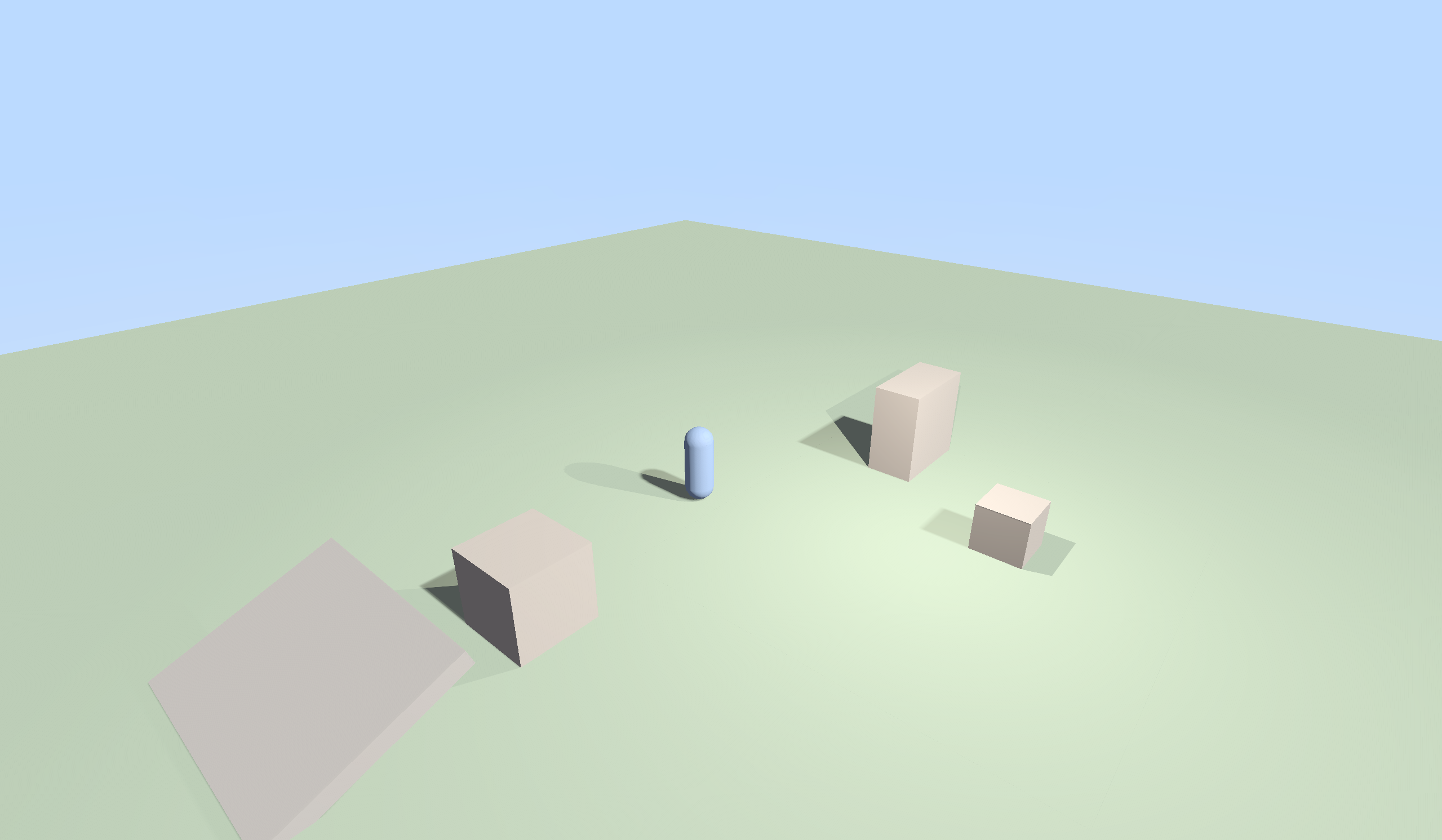
Screenshots

Key Features
Everything you need to build 2D and 3D games, all in one integrated package.
Vulkan Renderer
PBR materials, cascaded shadows, GPU-driven indirect rendering, Hi-Z occlusion culling, clustered forward lighting, deferred path, and a full post-processing stack.
Ray Tracing
RT shadows, reflections, ambient occlusion, global illumination, translucency, caustics, and a full path tracer. Three denoiser backends: SVGF, Intel OIDN, and NVIDIA OptiX.
Complete Editor
20+ ImGui panels including hierarchy, inspector, asset browser, profiler, node editors, and a terrain brush. 44 starter templates. Command palette, gizmos, and play/pause/stop workflow.
70+ ECS Components
Entity-Component-System architecture with full inspector UI. Transform, mesh, material, lights, cameras, character controllers, physics joints, ragdoll, inventory, combat, and more.
Scripting
AngelScript with ~721 API bindings, lifecycle callbacks, coroutines, event system, tweening (25 easing functions), and hot-reload. Plus a 146-node visual scripting system with debugger.
Physics
Jolt Physics for 3D and Box2D for 2D, with a shared backend interface. Six joint types, ragdoll system, destructible environments with four fracture patterns, and interactive water.
Node Graph Editors
Seven visual editors: shader graph (54 node types, GLSL codegen), dialogue tree, behavior tree, quest flow, audio event graph, particle graph, and animation state graph.
2D Art Pipeline
Built-in pixel editor with layers and 9 retro palettes. Sprite sheet importer with auto-detect slicing. Vector drawing editor with SVG export. Flash-style timeline with onion skinning.
Build & Export
Standalone game player, .enjpak asset packing, HTML5 export, and Newgrounds API integration. One-click build pipeline from editor to distributable.
Accessibility
Colorblind simulation and correction, motor accessibility (one-switch, auto-aim, input remapping), screen reader support, and four editor UI themes including high contrast.